 How-to
How to Track Flower Delivery: 7 Steps That Work
Quick Summary
To track flower delivery, find your order number in the confirmation email, then enter it on the florist's order-status page with the email or phone number used at checkout. The page shows the current stage, such as received, in preparation, out for delivery, or delivered, and often an estimated delivery date.
- Your order number is in the confirmation email, usually near the order date and delivery details.
- Enter the order number exactly as shown, then confirm with the email or phone number from checkout.
- Same-day orders may move from received to out for delivery quickly, so check again during the delivery window.
- A status stuck on in preparation is not always late, especially on busy holidays like Valentine's Day or Mother's Day.
- If the status says delivered but the recipient got nothing, check with them and contact the florist promptly.
Table of Contents
- Why Tracking Your Flower Delivery Matters
- Find Your Order Number and Confirmation Email
- How to Track Flower Delivery Online Step by Step
- Tracking Same-Day Flower Delivery
- What Each Order Status Means and How Long Updates Take
- What to Do When Flowers Are Marked Delivered but Not Received
- Contacting Flowers by Dena About Your Delivery
- Frequently Asked Questions
Why Tracking Your Flower Delivery Matters
Knowing where your flowers are can make the difference between a surprise that lands perfectly and a last-minute scramble. Whether you're sending birthday flowers across town or a sympathy arrangement to a family in mourning, tracking gives you the confidence that the order is moving on schedule. This guide walks through how to track a delivery, what each status means, and what to do when something goes wrong.
Flower delivery is time-sensitive. A bouquet ordered for a birthday dinner or a funeral service has a narrow window, and a missed delivery can't be undone. Tracking lets you confirm the order was received, see its progress, and catch problems early enough to fix them.
Most tracking problems come from the same few sources: a wrong order number, an email that went to spam, or a phone number that doesn't match the order. Knowing where to look saves time. The steps below cover the most common routes.
Find Your Order Number and Confirmation Email
Your order number is the fastest way to track flower delivery. It appears in the confirmation email sent right after you place the order, and it usually starts with a short prefix followed by digits.
Search your inbox for the florist's name or the words "order confirmation." Check your spam and promotions folders too, since automated receipts sometimes get filtered. Save the email somewhere easy to find. If you ordered on a phone, the confirmation may also appear as a text message.
The confirmation email typically includes:
- The order number
- The delivery date and any delivery window
- The recipient's name and delivery address
- A tracking link or instructions for checking status
If you can't find the email, don't guess at the number. Use the email address or phone number you ordered with instead, covered in the next section.
How to Track Flower Delivery Online Step by Step
Many florists offer an order-status page where you can check progress without calling. The exact layout varies, but the process is similar.
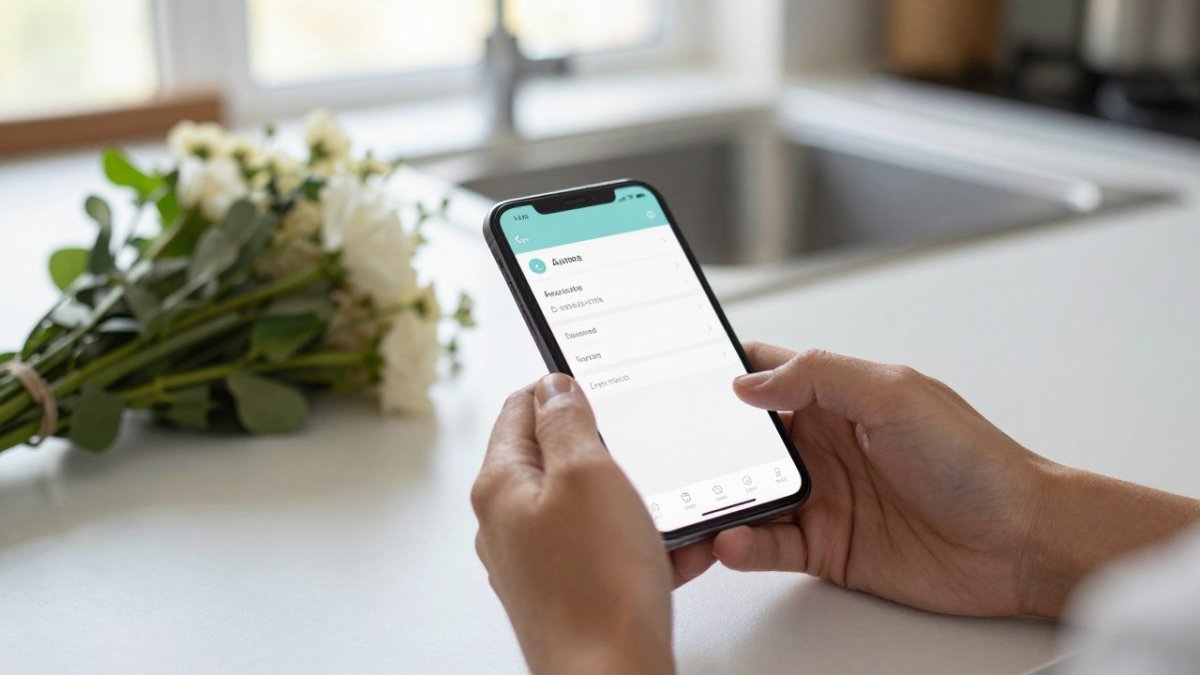
- Open the tracking page. Use the link in your confirmation email, or go to the florist's website and look for "Track an Order" or "Order Status."
- Enter your order number. Type it exactly as shown, including any letters or dashes.
- Confirm with a second detail. Many pages ask for the email address or phone number used at checkout. Enter the one you ordered with.
- Review the status. The page will show the current stage and, often, an estimated delivery date.
- Check the delivery details. Confirm the address and recipient name match what you intended.
- Save or screenshot the page. This helps if you need to contact support later.
- Recheck on the delivery day. Status updates often change on the morning of delivery.
Looking Up Your Order With an Email or Phone Number
If you've lost your order number, most order-status pages let you search with the email address or phone number from the purchase. Enter it exactly as you gave it at checkout. A different email address or an old phone number is the most common reason a lookup fails.
Some pages will show every order linked to that contact. If several orders appear, match them by recipient name or delivery date. If nothing comes up, try the other contact method, then contact the florist directly.
Keep in mind that the phone number on the order is usually the one for the person placing it, not necessarily the recipient. Use the number you entered at checkout.
Tracking Same-Day Flower Delivery
Same-day orders move quickly, so tracking behaves differently than it does for a scheduled delivery. The status page may jump from "received" to "out for delivery" with little in between.
Many florists set a same-day cutoff time, and orders placed after that cutoff may roll to the next business day. Check the cutoff with the florist before you count on same-day arrival. The delivery window you were given at checkout is the number to track against, not the order time.
Same-day tracking typically unfolds in stages:
- Order received. The florist has accepted the order and queued it for design. This can appear within minutes of checkout.
- In preparation. A designer is assembling the arrangement. On a busy holiday such as Valentine's Day or Mother's Day, this stage can run longer than usual because order volume spikes.
- Out for delivery. The arrangement is with a driver. On same-day orders this is the stage most likely to update late, because the driver may be completing multiple stops before scanning your order.
- Delivered. The driver records the drop-off, sometimes with a photo or signature.
A status that sits on "in preparation" past the start of your delivery window does not always mean the order is late. Check the status at the start of the window, then again later in it. If the window closes with no movement, call the florist to ask about the order.
Watch out: If you placed a same-day order close to the cutoff and the status never leaves "received," ask the florist directly whether the order is scheduled for today or the next business day before assuming it is en route.
Scheduled deliveries work differently. An order set for a future date may show "scheduled" for days before the arrival date. That is normal and does not mean anything has gone wrong. The status only becomes useful for tracking once the delivery date arrives and the order enters preparation.
Same-day tracking can also depend on who is delivering. Some florists update status manually, so there can be a lag between the actual drop-off and the status change. Some florists route orders through a courier, which may show its own tracking number. In that case, the courier's tracking page may update in real time. Keep both open if you have them.
What Each Order Status Means and How Long Updates Take
Status labels differ between florists, but most follow a similar sequence. What the labels do not tell you is how long each stage normally lasts, which is where most tracking anxiety comes from. The timings below are typical patterns, not guarantees, and they shift on high-volume holidays.
- Received or confirmed. The florist has your order. If you do not see it soon after checkout, check for a confirmation email before assuming it went through.
- Processing or in preparation. The arrangement is being designed or assembled. Preparation time varies, and can take longer on busy holidays.
- Ready or out for delivery. The flowers are finished and assigned to a driver or delivery partner. A status that stays here for some time is not automatically a problem.
- Delivered. The florist or delivery partner has recorded the drop-off. Some partners attach a photo or signature; many do not. If the status says delivered but the recipient has nothing, treat it as a delivery exception and work through the steps in the next section rather than waiting for the status to change again.
Updates do not always appear in real time, and the reason depends on who is updating. If your confirmation email includes a courier tracking number, check the courier's page first and treat the florist's status as a summary.
A second source of lag can be the gap between the florist and any separate delivery partner, since the florist may not learn the outcome right away.
If a status has not changed by the scheduled delivery date, contact the florist. Ask whether the order was received, whether it was assigned to a driver, and when it is expected to move to the next stage. Have your order number, the delivery address, and the time the status last changed ready.
The article breaks down each common order status and what it typically signals.
| Status | What it means | Next step |
|---|---|---|
| Received or confirmed | Florist has your order | Check confirmation email if missing |
| Processing or in preparation | Arrangement is being designed or assembled | Can take longer on busy holidays |
| Ready or out for delivery | Assigned to a driver or delivery partner | Not automatically a problem if it lingers |
| Delivered | Drop-off recorded by florist or partner | Work through delivery exception steps if not received |
What to Do When Flowers Are Marked Delivered but Not Received
Sometimes the tracking page says delivered, but the recipient never got the flowers. Work through these steps before escalating:
- Check with the recipient. They may have received the flowers at a neighbor's, an office, or a back door.
- Confirm the address. A transposed number or wrong apartment can send flowers to the wrong place.
- Look for proof of delivery. Ask the florist whether a photo or signature record exists for the order.
- Contact the florist promptly. The sooner you report it, the easier it is to investigate.
When you call, have your order number, the delivery address, and the time the status changed ready. This speeds up the investigation.
Watch out: Ask the florist to review the original order before paying for a replacement, since the first delivery may still be found.
Contacting Flowers by Dena About Your Delivery
If tracking doesn't answer your question, Flowers by Dena can check the order directly. Have your order number, the email or phone number used at checkout, and the delivery address ready when you call or write. The more detail you provide, the faster the team can review what happened.
If you need a replacement or a new arrangement after a delivery problem, you can order graduation flowers in Swedesboro, NJ or browse anniversary flower options for a celebration that is still coming up.
Flowers by Dena has served Swedesboro since 2012 and offers same-day delivery in the area. Pricing depends on the arrangement, quantity, date, and delivery details, so check the website or ask the team for a current quote.
Frequently Asked Questions
How can I track a flower delivery?
Use the order number and the email address or phone number tied to the order in the confirmation email. Most florists, including Flowers by Dena, provide an order lookup or can check status for you by phone. Status updates typically appear as the order progresses. For same-day orders, check the delivery window listed in your confirmation, and contact the shop directly if no update appears before that window closes. Current pricing and order details are available on the Flowers by Dena website.
Can I track a flower delivery without a tracking number?
Yes. A local florist can often look up an order using the email address or phone number on the order, plus the recipient name and delivery date. If the confirmation email is not available, contact Flowers by Dena to ask about your order status. Having the exact delivery address and the date ordered can help with the lookup.
Why is my flower delivery tracking not updating?
Tracking can lag during busy days such as holidays, and some orders may show a single status for a while. There can be a gap between actual progress and what appears online. If the delivery window has passed with no update, call the shop with your order number to ask about the arrival time.
What should I do if my flowers were marked delivered but did not arrive?
Check the delivery address and the recipient name on the order first, since a neighbor or front desk may have accepted the arrangement. Then check with the recipient and any nearby addresses. If the flowers still cannot be found, contact Flowers by Dena with your order number and the time the delivery was marked complete. Ask the shop to confirm the drop-off details. Keep the confirmation email and any proof of delivery you have, because these can help resolve the claim.